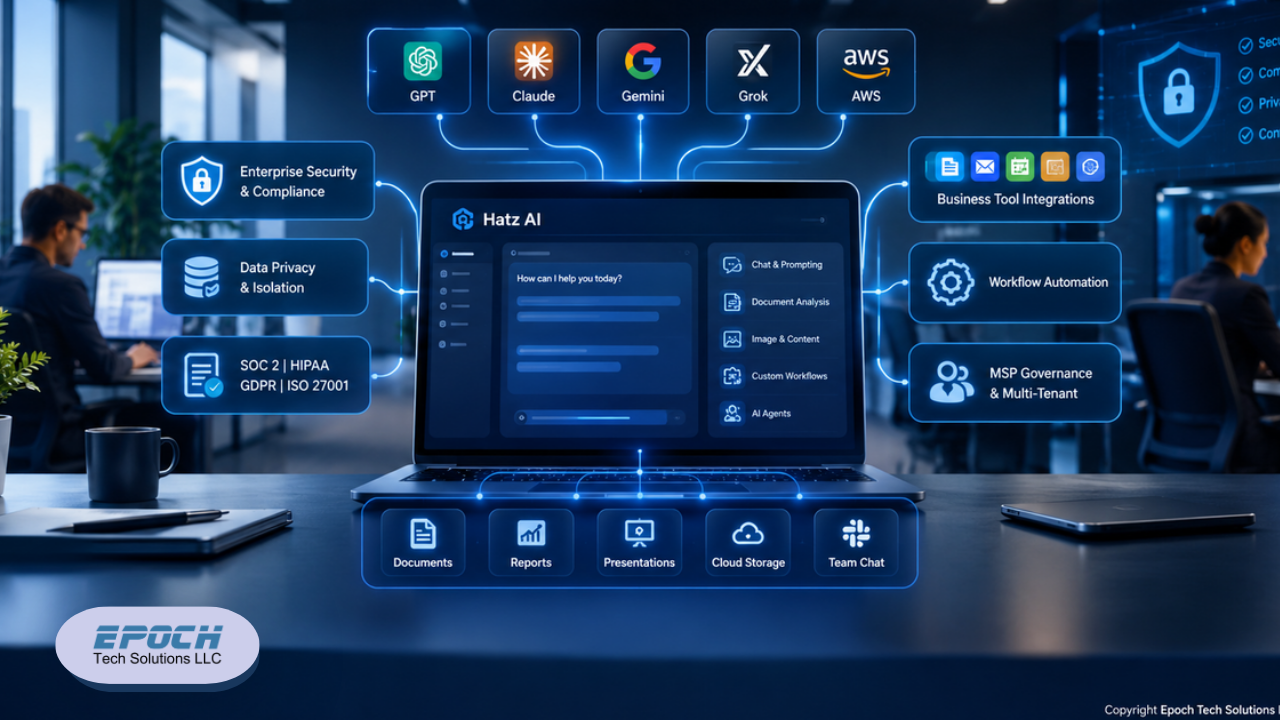
Hatz AI: Secure Multi-Model AI for SMBs and MSPs
Discover how Hatz AI helps SMBs and MSPs securely use multiple AI models, automate workflows, integrate business tools, and manage AI governance.


Do you trust your current security setup to keep the wolves at the door? In an era where digital threats are evolving faster than ever, relying on weak passwords is like leaving your front door unlocked. You need a second layer of defense, but who do you want to rely on for protecting access to your digital world?
For many, the choice comes down to two heavyweights: Zoho OneAuth and Google Authenticator. Both promise to keep your accounts safe, but they approach the task very differently. Is your business looking for a simple, plug-and-play solution, or do you need a robust fortress with advanced versatility?
At Epoch Tech Solutions, we understand that selecting the right tools is critical for empowering your growth and securing your assets. We have analyzed the features, privacy policies, and usability of both platforms to provide you with a clear winner. By the end of this guide, you will know exactly which authenticator aligns with your security needs and lifestyle.
When you are in the middle of a busy workday, the last thing you want is to be hunting for your phone just to log into your email on your desktop. This is where the difference between the two contenders becomes immediately apparent.
Google Authenticator keeps things mobile-centric. It is designed primarily for iOS and Android devices. While it functions perfectly well on your smartphone, it lacks native support for other ecosystems. If your phone is dead or in another room, you are effectively locked out of your accounts.
Zoho OneAuth, on the other hand, understands that modern work happens everywhere. It offers support across a staggering array of platforms, including iOS, Android, macOS, Windows, iPadOS, and even watchOS.
Do you want to access your 2FA codes directly from your laptop without breaking your workflow? With Zoho’s native desktop applications, you can. This level of device versatility ensures that your security moves with you, enhancing efficiency rather than hindering it.
Have you ever lost your phone and realized you also lost the keys to every single one of your digital accounts? It is a nightmare scenario for any business owner.
Google Authenticator recently introduced a feature that syncs your codes to your Google Account. This is a significant improvement over its previous version, which tied codes strictly to the hardware of a specific device. However, this convenience ties your security data directly into the massive Google ecosystem.
Zoho OneAuth takes backup a step further with encrypted cloud backup. It allows for multi-device sync via your Zoho account, ensuring that if you lose a device, you do not lose your access. Because the backup is encrypted, you get the convenience of cloud recovery without sacrificing the integrity of your security posture.
Is your business limited to typing in six-digit codes, or are you ready for a smoother experience?
Google Authenticator is a utility tool in the strictest sense. It does one thing and does it well: it generates Time-based One-Time Passwords (TOTP). While it offers simple push notifications for Google accounts, its functionality largely stops there.
Zoho OneAuth offers a suite of advanced authorization methods designed to reduce friction.
For users within the Zoho ecosystem, OneAuth offers "Smart Sign-in." Instead of typing a code, you simply click a push notification on your phone to approve access.
Zoho supports biometric authentication (FaceID or fingerprint) to access the app itself, adding an extra layer of protection.
Why remember passwords at all? Zoho is pushing the envelope with passwordless sign-in options that rely on cryptographic security rather than memory.
You might be thinking, "Zoho sounds great, but does it work with my non-Zoho apps?"
The answer is a resounding yes. Zoho OneAuth functions as a comprehensive multi-factor authentication (MFA) app. It allows you to secure third-party platforms like Facebook, Instagram, GitHub, LinkedIn, and more. It supports standard TOTP codes, which can be configured by scanning QR codes from virtually any website that supports 2FA.
Furthermore, OneAuth features deep integration with Zoho Vault, the company's password manager. This enables the app to act as both a password manager and an authenticator in one, streamlining your login process significantly.
Google Authenticator is the universal standard. It integrates with virtually any service that requires 2FA. Its ubiquity is its greatest strength, if a service offers 2FA, it almost certainly works with Google Authenticator. However, it lacks the deeper password management integration found in Zoho’s offering.
In the age of data mining, privacy is a luxury. How much do you value yours?
Google’s business model is built on data. While Google Authenticator is free, your usage data is tied to your Google Account ecosystem. For businesses that are highly sensitive about data privacy and the monetization of user behavior, this is a factor worth considering.
Zoho takes a strict stance on privacy: they do not monetize user data through ads. Even with their free tools, the philosophy remains that your data belongs to you. This privacy-first approach makes Zoho a compelling choice for industries that demand strict confidentiality.
Transitioning to a new system is often painful. You have dozens of accounts linked to your old authenticator, do you really want to reset every single one of them?
Zoho OneAuth solves this pain point brilliantly. It allows you to import existing 2FA accounts directly from Google Authenticator. You can scan a single QR code or use an export file to move all your tokens over in seconds.
This ease of transition eliminates the barrier to entry. You can upgrade your security infrastructure without spending hours reconfiguring your accounts.
Google Authenticator is like Apple products: simple, ubiquitous, and it just works. If you are deeply married to the Google workspace and prefer a no-frills experience, it will serve you well. It is a solid, reliable choice for personal use or basic business needs.
Zoho OneAuth, however, is the robust fortress your business deserves. It is highly recommended for those who want versatility, desktop access, and advanced security features. It works with almost every app, keeps your data private, and integrates seamlessly with password management tools.
If you want a business system that is better than your basic utility app, Zoho is the way to go.
Choosing the right authenticator is just the first step in securing your digital domain. Are you ready to fortify your business against the threats of tomorrow?
At Epoch Tech Solutions, we specialize in empowering small businesses with professional IT services and robust security strategies. From cyber security to digital marketing, we provide the tools you need to foster growth and enhance efficiency.
Don't leave your security to chance. Contact Epoch Tech Solutions today for a free consultation and let us build a digital defense that empowers your growth.